Monday, 24 February 2014

Level Design

This week I managed to complete the story for my game, which will be later on displayed on first walls of the maze(I may need to change the texture of maze walls to make the text more visible).

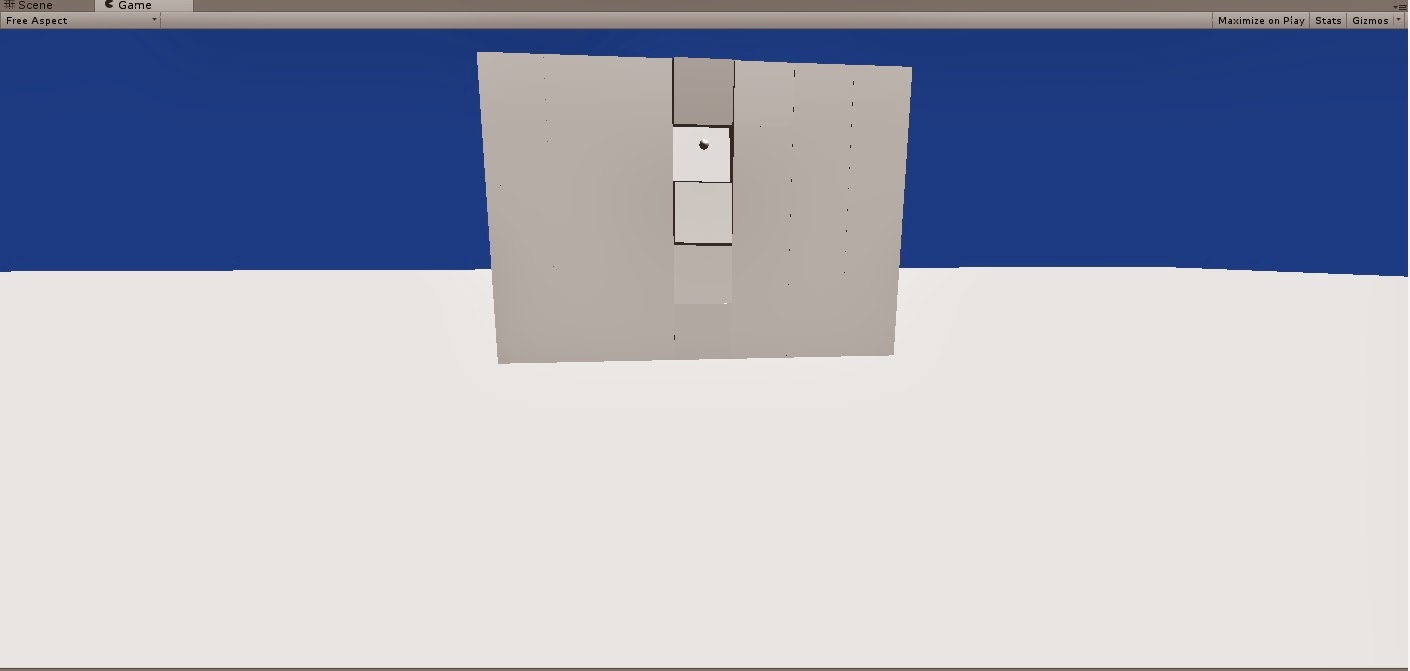
I also started designing parts of my levels, and after completing most of designs drawings I started creating first part in Unity, which is a maze with "weeping angels" hidden inside of it. I also had to check if "weeping angels can't go through walls as when I created new scene they were...I don't really know why...but the problem disappeared itself somehow...

Here are some screenshots of what I have so far:

Maze- top down view

One exit blocked by rocks
View at the maze when I started creating it

Tuesday, 18 February 2014

Teleport Script-done!, moving on to creating a story

I finished writing the teleport script,which appears to be almost same as the script I used for "weeping angel" touch script.

Now I should start putting all these things together to start creating  basic level design and figure out a story for my game.

I almost have some parts of the story in my head already so I just need to put all these parts together.

As well as this downloading assets for enemies and for unreal enemies as well to create appearance of it would be very useful...

I decided to use an ancient Egypt theme to style the cave and everything inside it, although the story will take place in present times. The Cave is unexplored by any any human being, as everybody who tried to explore it went missing after getting there, that's why in close cities there are some legends about it. Even though most people doesn't believe these stories, they are not brave enough to enter the cave....

That's the beginning of the story but I don't want to reveal everything before my game will actually be a playable demo..


Monday, 17 February 2014

Weeping angels script part 2

Rrewriting weeping angels script from Javascript to C# and making it work was a piece of cake.. On the other hand, changing player's position back to the start after the weeping angels touch the player, which seemed easy at the beginning, was much more difficult than I thought... At first it seems all i need to do is check if the cube position is the same as player's position and then "simply" change the position of game object... I couldn't be more wrong..

After two days spent writing this script I finally managed to make it work  almost in the way I want it to work... The solution I found was to make function check for collisions(I found basic script to do that), from that script I only took general functions:

(example taken from  website)
function OnCollisionEnter(theCollision : Collision)\
{
    if(theCollision.gameObject.name == "Floor")
    {
    }
}

Which I still had to convert to C# and then change all variables to what I needed.
But this was the easiest way after couple hours reading through Unity Scripts reference for rayCasting functions(not really helpful) and then through OnCollisionEnter functions: partialy helpful-only thing I did wrong was to call these functions in wrong place...

In the end all I needed to add was about two lines of code... Hopefully next scripts won't take me so much time-it may be a good idea to follow a tutorial for most of it :)


Saturday, 15 February 2014

Game idea and some scripts...

I started improving m game idea and tried to make it more original. Being inspired by my favourite episodes of Doctor Who series, which included weeping angels statues(for future reference I will use statement "weeping angels" to talk about the idea behind it not the statues), I decided to implement something similar in my game. On the Internet I found already made script for "weeping angel", unfortunately it was in Javascript...(reference link to the script I found)
Weeping Angels from Doctor Who

I rather use C# in Unity therefore I rewrote parts that were specifically in Javascript-mainly declaring the variables. For some I had to figure out what type of variable it was myself as Javascript use type var for any variable whereas in C# I had to specify the type myself. It wasn't very difficult but tricky sometimes.

After this when i tried testing this script I got some errors after starting the game, it happened only because I forgot to set the initial position of a "weeping angel" and made the variable private, which was a big mistake.. But after I figured that out the script started working as it should be(I am not going to explain it exactly as hopefully most of people will play the game first and discover this themselves).

Starting final term project..

Even though I am still developing the idea for my game to improve what i already have, I started creating simple cave in Blender, so that i could start working on other stuff like scripts as soon as possible.

Here is a screenshot of what I already have for my cave(I also created another one just to try import it to Unity and it wasn't difficult so I can can keep working on this one again):


Monday, 10 February 2014

Physics project

Next task I got for my module was to create shooting script. Most of it I remembered how to do from the workshop last week but I also used Unity official tutorial to refresh my memory and make sure I am writing script correctly. each brick in the wall as well as the bullet has a rigidbody component to make sure it acts under physics. The final effect is that when you press mouse button bullet is created in front of the player and is then shot at the direction mouse is pointing, and then after 5 seconds object is destroyed in order not to have too many clones of it.

Some screenshots:


Thursday, 6 February 2014

Spotlights following the player-scripts in Unity

Finally managed to make the spotlights follow the player when the specific key is pressed once. Now I will continue updating this script to make the other lights disengage when button is pressed.

Then I will create some random movement for the other spotlights.

Next I will create scripts for shooting bullets into a wall.

After I get all these tasks done I will finally be able to work on my final term project- I have already developed an idea for it, which is quite complexed but fortunately most things are independent in it, therefore if I run out of time I don't have to include everything I wanted and it still will be a playable demo :D The first thing I need to do is to prioritize things I want to implement. The most important for me is probably the cave, which I need to create in Blender and then import into Unity. But more updates on this topic to come soon...

Monday, 3 February 2014

Scripts-first attempt summary..

So I managed to make fully working script that can be assigned to any object and then in Unity there can be keys assigned to move forward, backward, right and left. Unfortunately I didn't fully solved the other problem that would concer spotlights...The farest i got was to create spotlights that can be changed by using assigned keys but to make spotlights follow the player fluently keys needed to be pressed for all the time when moving object...

Spotlights that follow the player...

When creating script I had a problem of how to make if statement for each pressed key work every time Updater is called...I solved it by adding a variable that will store a key to be assign inside Unity itself as a component.

For now I figured out how to write about 4 lines of code that will make the spotlights follow the player..Unfortunately it only follows player as long as the key is pressed down... Therefore I need to figure out how to make it follow the player after single key has been pressed.

Also when I put LookAt() function inside if statement for some reason it is checked only once and then it doesn't update which means player would have to press the key constantly to make the spotlight follow...

Beginning of scripting in Unity

This week I have learned how to write simple scripts for Unity during one of my workshops.

Now I created universal controller that can have different keys assigned by having only one script. I had some problems with syntax when trying to create this, but fortunately I solved it quite easily by creating a variable of type KeyCode and then just putting this variable name in GetKey statement.

Now I also created 3 spotlights each of different colour, and each assigns value true to one of the variables in the script to recognise which colour is the spotlight. now I will create more code to make sure only one spotlight will follow a player at the time, then I will create function that will change spotlights following a player.

In the end if I will have time I will create random movement for unused spotlights...

Saturday, 1 February 2014

Game Jam :D

I am taking part in a 24 hour Game Jam, if you want take a look at my team's blog  :)

Monday, 27 January 2014

Terrain project finished!

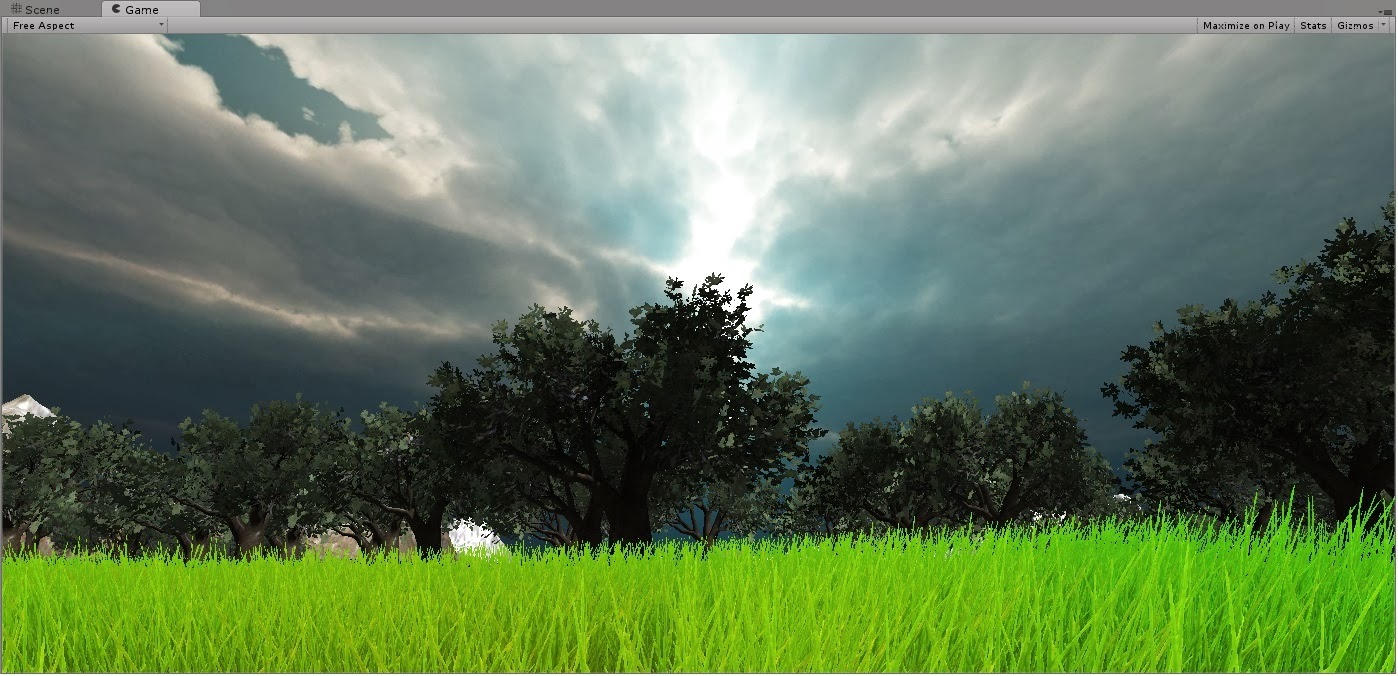
My second project in Unity is finished! The aim of the game is to get to the volcano(which can be recognized by smoke), it is not visible at all at the beginnig on purpose. One of the problems I had were to create water in the way it will be perfectly fit into the terrain which I achieved by setting the default value for terrain to be about 20, and then by lowering the terrain in places I wanted to have water, which gave nice lake/river effect sometimes only by using basic water tool.

Here are some screenshots of the final version:

Start! :)
Project view-map


Volcano
I also started creating a cave but I didn't have enough time to finish it...But I will create it next time, I wont give up on it so easily :)

Terrain project

When I started creating this project I didn't have any original idea for it, and I still don't have it...So for the start I got simple waterfall and mountain canyon. Here is first screenshot from the beginning of my work:

Saturday, 25 January 2014

Second project in Unity-attempt to make a cave...

I came up with idea of creating  cave in Unity 3D which may be quite challenging as there is none built in tool that would enable me to create a cave easily, therefore one option is to create it as an external file in 3D modelling programme like 3DS Max or Blender, or to try using two terrains and model them in a way to form a cave.

For now it seems a bit easier to create it as an external file, and I will probably use Blender to do so, as i have used it for quite a while in the past projects in my High School.

I may need this to create a project for final assignment for one of my modules, but it can be a good practice for the work we need to have done this week in Unity, as I have done a bit of terrains last week so I was looking for something more challenging than creating a simple terrain, that anybody can do...

Tuesday, 21 January 2014

Maze game screenshots

Here I will post some screenshots from my maze game to show the general look and feel of the game. Also I forgot to write that the objective of this game is to find fireworks.


Maze view
 Maze view


Maze view from one mountain
Looks like the end, but are you sure?...
Entering mountain maze
Mountain maze


WIN! :D
View to other mountains

Monday, 20 January 2014

Maze game

Today I have finished my maze game for tomorrow. Although there is a lot i could have done more to make it look better I am quite happy with what I achieved for my first Unity project.Creating terrain was quite challenging as I didn't use any tutorials at all just build in assets.

The game may be quite long but it is beacause I wanted to make a maze on different terrains: mountains and plane. It may be quite tricky sometimes but as I checked it should be fully playable.

Start game view

Saturday, 18 January 2014

First project in Unity 3D

As our first project we were asked to create simple maze game in Unity. At the beginning I started playing around with other Unity functions and assets that we were told about during last week workshop. Which led me to creating mountains terrain and adding some textures to it:
Mountain terrain

Then I started creating walls for a maze game which looks as follows:

Project view
Game view


While trying to create mountains terraian I encountered some problems with creating materials for it and in the end I discovered that in order to change the look of my terrain I need to add texture to it in Inspector, therefore I used one of textures provided with Unity assets and the material I created I used for wallls. I had couple other problems with using textures and materials as for some reason it didnt work in any way, but I guess I just put it in the wrong place....Fortunately  it works well now :)

I have just added some trees to the terrain that won't be used for the labirynth to make the game itself look better.


Sunday, 12 January 2014

New Year, New Term, New Project...

This term I have to create a game in Unity 3D for one of my modules.

I have already developed an idea for this project throughout Christmas holidays, but after exploring Unity I am not sure if I will be able to implement it, but it surely will be a great challenge. :)

I have already completed couple basic tutorials in order to learn how to use Unity, although I should probably read litlle more on that topic as soon as possible so that I could start working on graphics and main aims for my game.

Hopefully I will post progress of my work every week, as well as problems I encountered, solutions and screenshots if needed.

Friday, 29 November 2013

Published....

The deadlines has come so I had to get all the work done for tomorrow. Therefore I had to upload my game on Kongregate. I know it is probably one of the worst games ever but if you want you can try playing it :)

Here is link if you would like to try it:
http://www.kongregate.com/games/fallen56/ninja-cat-in-space

Today I have done all animations for my game and I have added music, i found on http://dig.ccmixter.org.
Credits are as follows:
"Moments in Space" by spinmeister (feat. DJ Rkod)
http://ccmixter.org/files/spinmeister/12093
is licensed under a Creative Commons license:
http://creativecommons.org/licenses/by/3.0/


I know that there are probably many bugs in my game so far.....but this is the first game I have ever created...:) I already found out that music is playing after the player has returned to menu screen after being killed by turtles...but it is not a big problem and I don't really have time to fix it anymore.....

Friday, 25 October 2013

Changes, news and finally demo almost ready :)

 I didn't have time to update this blog earlier as I was working all the time on my game. Last week I got to know that this Friday I have to have ready, playable demo, so i had to make a few changes to the game. First of all the game is no longer platform game, it is some kind of zombie shooting game but instead of  killing zombies it consists of killing turtles. :)

During this week I learnt a lot about Stencyl and managed to fix some bugs(proabably there are still some left) thanks to help of my collegues from course, and second year students. So I managed to implement simple game mechanics for my game.

I also made a main menu screen, and help screen as well. But help screen is not fully finished yet and I will finish it today.
Main menu screen
Help screen
The main aim of the game is to kill as many turtles as possible and therefore get as much points as you can.
The final version of game itself looks like this:


I haven't done any animations yet as unfortunately I run out of time. :( But I will probably improve that in the close future. :)

When creating the game firstly I struggled with doing graphics but later on I discovered stencyl is much worse than I expected and I had to solve a lot of errors it came up with.even though I mostly used already made behaviours. Therefore I had some troubles when setting the collissions, spawning turtles in right place after some time. Then finally I even managed to crash my own game, but I solved this problem as well(with help from my corse colleagues).

So I guess that is mostly the end and my demo is ready for testing. :) After that I should probably add animations to my game.